Access the Country object
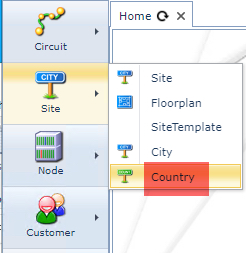
▪From the IMS Main Menu click on the Site option
▪From the drop down list select Country
This opens up a blank Country form
Find an existing Country
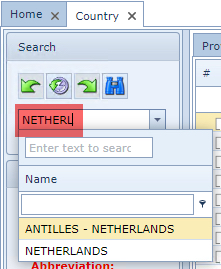
▪From the Country Search field, type in the name or partial name of the required Country
▪Alternatively select a Country from the Search field's drop down list (down arrow icon)