AT times, the Network Map may become clutter with object icons. It is possible to filter some of these out so that a more targeted view is obtained. This is particularly useful when building out networks, or provisioning circuits i.e., when creating cable connections, it is easier to deselect all (active) nodes.
From the Network Map menu bar, select the Show Icon and Line Types icon:
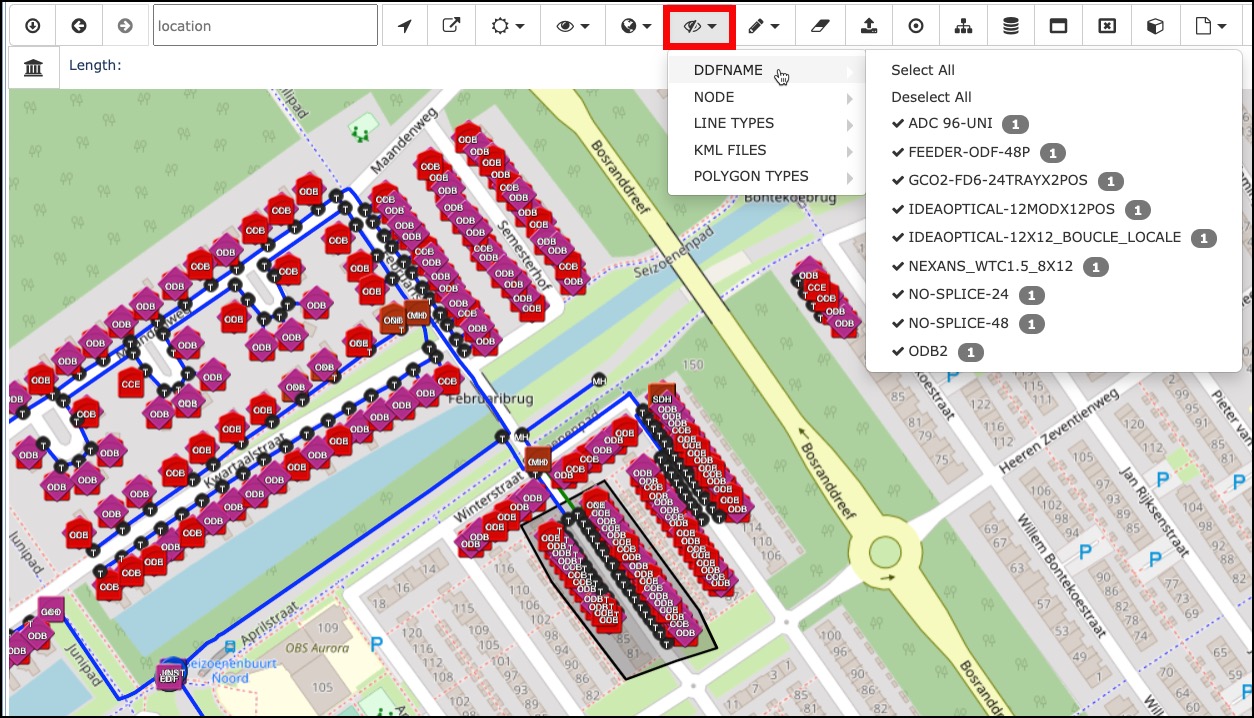
In the dropdown list select or deselect the necessary objects i.e. Deselect or Select All or enable / disable particular types of equipment or lines.