A Province may have multiple Districts, although these are not mandatory.
List all Districts
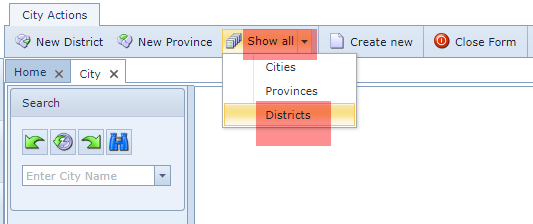
From the City Actions form Button Bar
▪Click on the Show all option down arrow icon
▪From the drop down list select Districts
To create a new District
From the City Actions form Button Bar
▪Click on the New District option
The New District popup window appears
▪Fill in the required fields in particular the mandatory ones:
oName
oProvince
▪Click on the Save icon, in the lower left of the popup window, to finish