Naming conventions in IMS can be setup for the following entities:
Circuit (Setup in Speed)
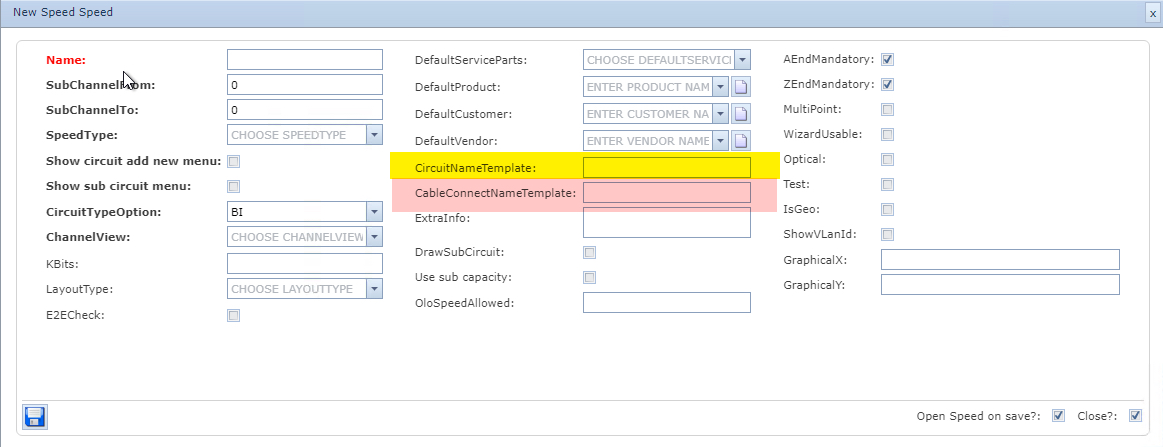
There are 2 name generators. The first one called CircuitNameTemplate is applied during the standard method of creating a Circuit instance. The second one called CableConnectNameTemplate is applied during the right mouse option on ports (Cable Connect) - typically on DDF/ODF ports connecting to each other or out to other types of equipment.
See the section below called Cable Connect Name Template below for example details.
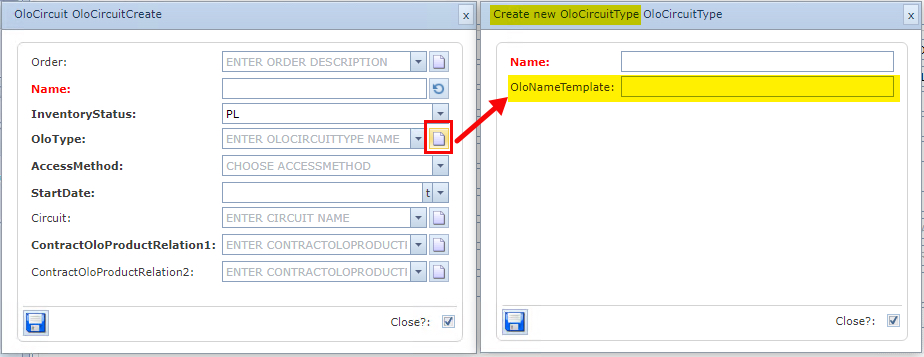
OloCircuit (Setup in OloCircuitType)
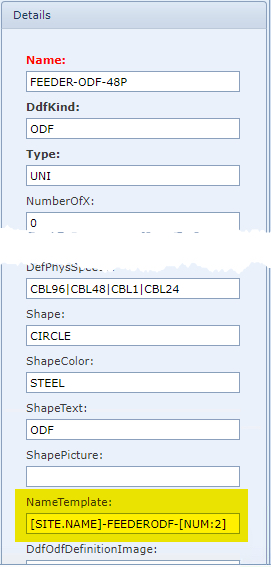
DdfOdf (Setup in DdfOdfDefinition)
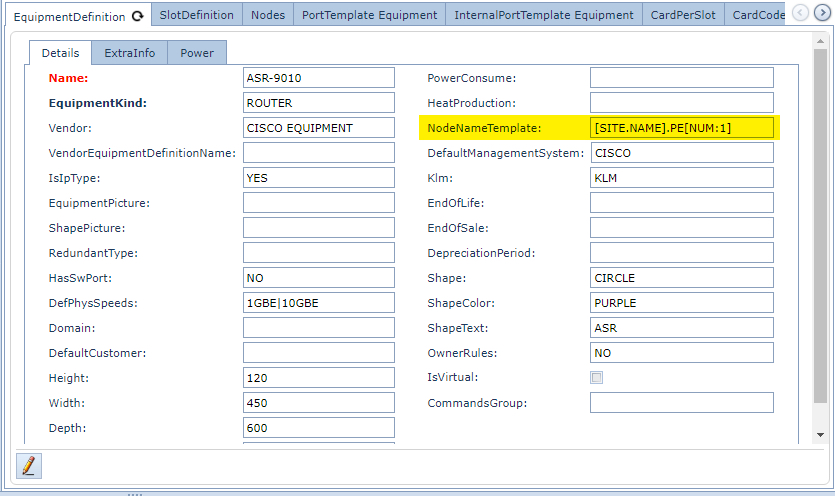
Node (Setup in EquipmentDefinition)
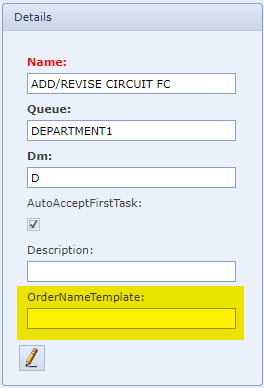
Order (Setup in OrderType)
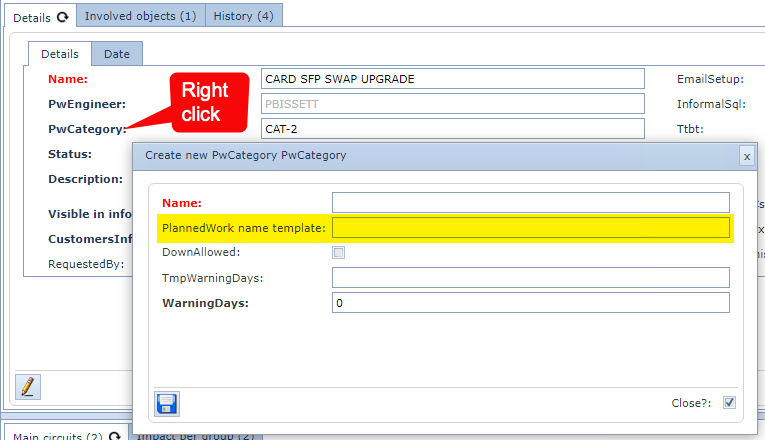
PlannedWork (Setup in PwCategory)
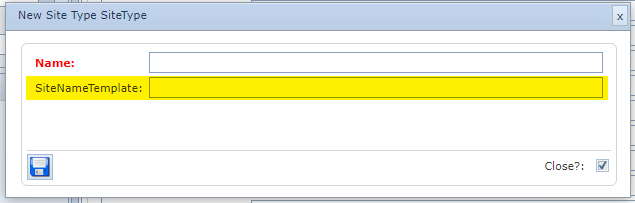
Site (Setup in SiteType)
More naming convention details:
All properties of the entity can be used in the naming convention
▪Sequential Numbers setup
[NUM:4:100:7:700:1]
4 =LENGTH OF THE NUMBER STRING.
100 =START OF THE RANGE. (OPTIONAL)
7 =SIZE OF THE STEP WITHIN THE RANGE. (OPTIONAL)
700 =END OF THE RANGE. (OPTIONAL)
for site-related objects
1=0 OR 1 0=COUNT PER SITE (Default)
1=CONTINUOUS COUNTING (OPTIONAL)
or
for city-related objects
1=0 OR 1 0=COUNT PER CITY (Default)
1=CONTINUOUS COUNTING (OPTIONAL)
or
for definition-related objects
1=0 OR 1 0=COUNT PER DEFINITION (Default)
1=CONTINUOUS COUNTING (OPTIONAL)
or
for customer-related objects
1=0 OR 1 0=CONTINUOUS COUNTING (Default)
1=COUNT PER CUSTOMER (OPTIONAL)
▪Current date can be used
[DATEformat]
format can be like yyyy-MM-dd
Check for all options at ...
https://docs.microsoft.com/en-us/dotnet/standard/base-types/custom-date-and-time-format-strings)
▪All data not between brackets is considered a fixed string
Examples:
Site: [CITY.NAME]-[NUM:3]
A new site in London city will be created like LONDON-001
Site: Tower-[CITY.NAME]-[NUM:3:100]
A new site in London city will be created like Tower-LONDON-100
▪Standard Naming Convention Override
The standard naming convention rules can be bypassed by putting double brackets around an entity:
Example
[[AUTH [NUM:5:20000:1:90000]]] [PROPERTYNAME] [NAVIGATIONPROPERTY.PROPERTYNAME] [EXTRAFIELDGROUPNAME.EXTRAFIELDNAME] [NAVIGATIONPROPERTY.EXTRAFIELDGROUPNAME.EXTRAFIELDNAME]
Explanation
[[ |
= Start part of the name that needs to be unique |
]] |
= End part of the name that needs to be unique |
AUTH |
= Plain text |
[NUM:5:20000:1:90000] |
= Number to be generated. In this case a number of 5 digits with a start range of 20000, increment by 1 and an end range of 90000 |
[PROPERTYNAME] |
= property of the entity |
[NAVIGATIONPROPERTY.PROPERTYNAME] |
= property of upper navigation property [CUSTOMER.NAME] |
[EXTRAFIELDGROUPNAME.EXTRAFIELDNAME] |
= extra field of entity. |
[NAVIGATIONPROPERTY.EXTRAFIELDGROUPNAME.EXTRAFIELDNAME] |
= extra field of upper navigation property [CUSTOMER. EXTRAFIELDGROUPNAME.EXTRAFIELDNAME] |
Regarding the second last option (extra fields); these are not available yet when the entity is created, so first create the entity, then enter the extra field values and then update the name.
Entities for which this applies:
▪Site
▪Node
▪DdfOdf
▪Plannedwork
▪Order
▪Circuit
▪OloCircuit
•Cable Connect Name Template
Some examples are given below on what can be used to formulate a naming convention.
A complete example:
[FROMDDFODFPOSITION.DDFODFPOSITIONNAMEDETAILS.SHELFANDPATCHPOINTNAME][FROMPORT.PORTNAME.NAME]-[FROMDDFODF.NAME][FROMNODE.NAME]-[TODDFODF.NAME][TONODE.NAME]-[SPEED.NAME]-[NUM:3:1:1:10000:0:0:0:0] |
Further options:
When [FROMDDFODF.NAME][FROMNODE.NAME] is added to the template, IMS will automatically detect if it is a node or distribution frame
It is also possible to use [TOPORTORPOSITION] or [FROMPORTORPOSITION] in the nametemplate, IMS will automatically get the portname or ddfodfpositionname based on the given type when having both in the template.
It is also possible to use [FROMDDFODFPOSITION.DDFODFPOSITIONNAMEDETAILS.NAME][FROMPORT.PORTNAME.NAME] , IMS It will automatically get the portname or ddfodfpositionname based on the given type when having both in the template.
With [FROMDDFODFPOSITION.DDFODFPOSITIONNAMEDETAILS.NAME] and [FROMPORT.PORTNAME.NAME] you have more available options as follows:
• |
FROMDDFODFPOSITION.DDFODFPOSITIONNAMEDETAILS.SITEANDDDFNAME |
• |
FROMDDFODFPOSITION.DDFODFPOSITIONNAMEDETAILS.SHELFANDPATCHPOINTNAME |
• |
FROMDDFODFPOSITION.DDFODFPOSITIONNAMEDETAILS.SHELFANDPATCHPOINTNAMEINCLFREEOROCCUPIED |
• |
FROMDDFODFPOSITION.DDFODFPOSITIONNAMEDETAILS.FREEOROCCUPIED |
• |
FROMDDFODFPOSITION.DDFODFPOSITIONNAMEDETAILS.FULLNAME |
• |
FROMDDFODFPOSITION.DDFODFPOSITIONNAMEDETAILS.FULLNAMEINCLFREEOROCCUPIED |
• |
FROMDDFODFPOSITION.DDFODFPOSITIONNAMEDETAILS.SHELFSEQUENCE |
• |
FROMDDFODFPOSITION.DDFODFPOSITIONNAMEDETAILS.PATCHPOINTSEQUENCE |
• |
FROMPORT.PORTNAME.SHORTPORTNAME |
• |
FROMPORT.PORTNAME.FULLPORTNAME |
• |
FROMPORT.PORTNAME.FULLPORTNAMEINCLCABLEFREEOROCCUPIED |