Make sure you have the following information before you try to access the IMS website:
- Link of the IMS website
- User name and password
Please ask your VC4-IMS administrator if you do not have the IMS website link
or if you do not have a user name and password.
Your password is the same as your user name (in uppercase) when logging in for the first time into the
IMS website after which you need to change your password.
It is recommended to use Chrome as the web browser for using the IMS website.
To open the VC4-IMS application:
1.Open your web browser and navigate to the IMS website using the link provided.
2.Fill in the provided credentials at the IMS login page and click Login.

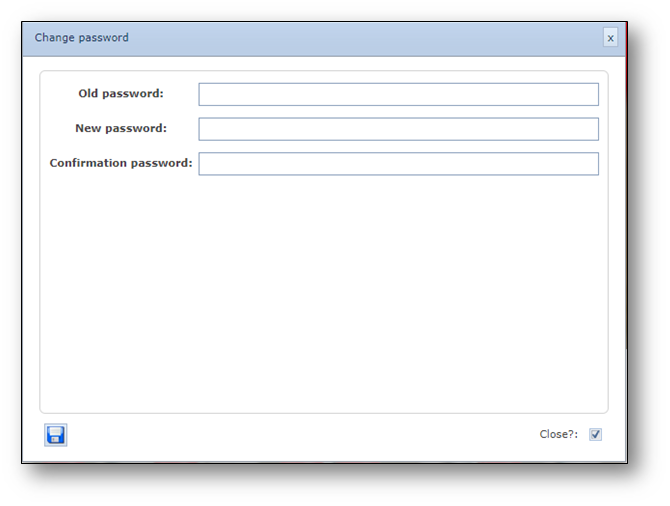
3.Logging in for the first time will require you to change your password. Fill in your old password,
fill your new password, confirm the new password by filling it in a second time and press
the Save button.