A Country can have multiple Provinces, although these are not mandatory.
List all Provinces
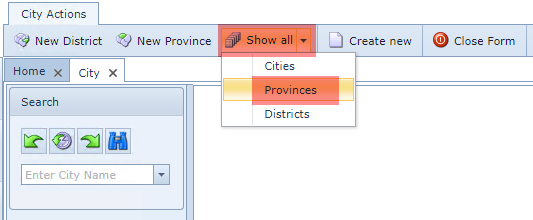
From the City Actions form Button Bar
▪Click on the Show all option down arrow icon
▪From the drop down list select Provinces
To create a new Province
From the City Actions form Button Bar
▪Click on the New Province option
The Create new City popup window appears
▪Fill in all three mandatory fields:
oName
oAbbreviation
oCountry
▪Click on the Save icon, in the lower left of the popup window, to finish