This chapter describes the Site object in VC4’s IMS.
The Site item is the main object where the locations are registered in IMS. A site can be a building, shelter, rooftop, handhole/manhole, or a room within a building, etc. Each site must have a unique name.
In the case of a room in a building, the building will be the parent site of the room and the room a child site of the building.A room has a related room name and is related to a floor.
If required, a site can have multiple "alias" names.
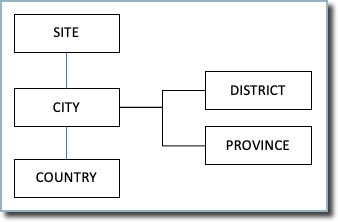
Each site will be related to a city, which is related to a country. A city may be related to a province and/or district, but this is not mandatory.
Opening the Site form
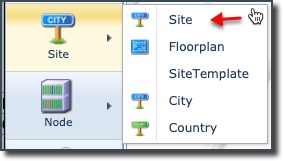
It is accessed from the main menu bar, which when selected, reveals a further 5 items in the dropdown list [Site, Floorplan, Site Template, City, Country].