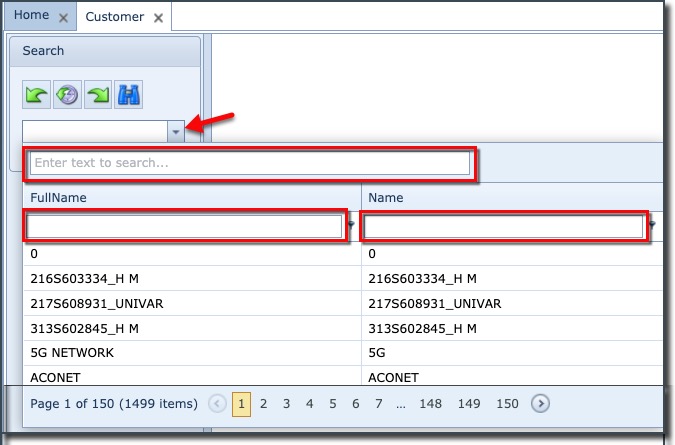
The Search area can be found in the top left of the Customer Form screen
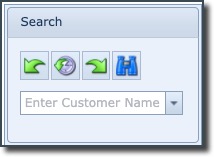
The search (pull-down) field is used to search for customers matching the entered string in the field
or
when clicking on the pull-down icon, and using the filter fields just under the column headers