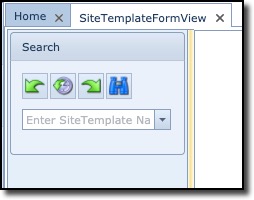
The search (pull-down) field is used to search for templates matching the entered string in the field ... or ... when clicking the pull-down icon and using the search fields at the top of the name column to filter your search
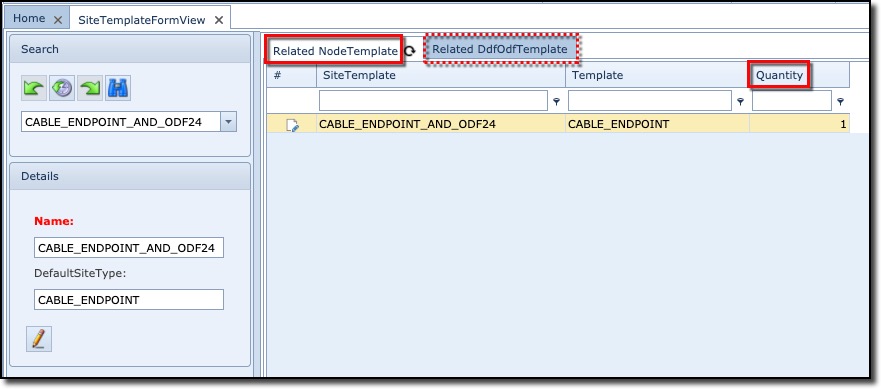
Once a site template is chosen and opened you may notice the following:
No tabs displayed |
This is an empty site template with no related IMS objects |
Related NodeTemplate tab |
Any node templates already related to this site template |
Related DdfOdfTemplate tab |
Any DDF/ODF templates already related to this site template |
Quantity |
The total number of related template objects |