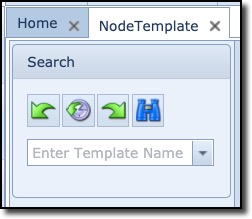
The search (pull-down) field is used to search for templates matching the entered string in the field ... or when clicking the pull-down icon and using the search fields at the top of the name column to filter your search
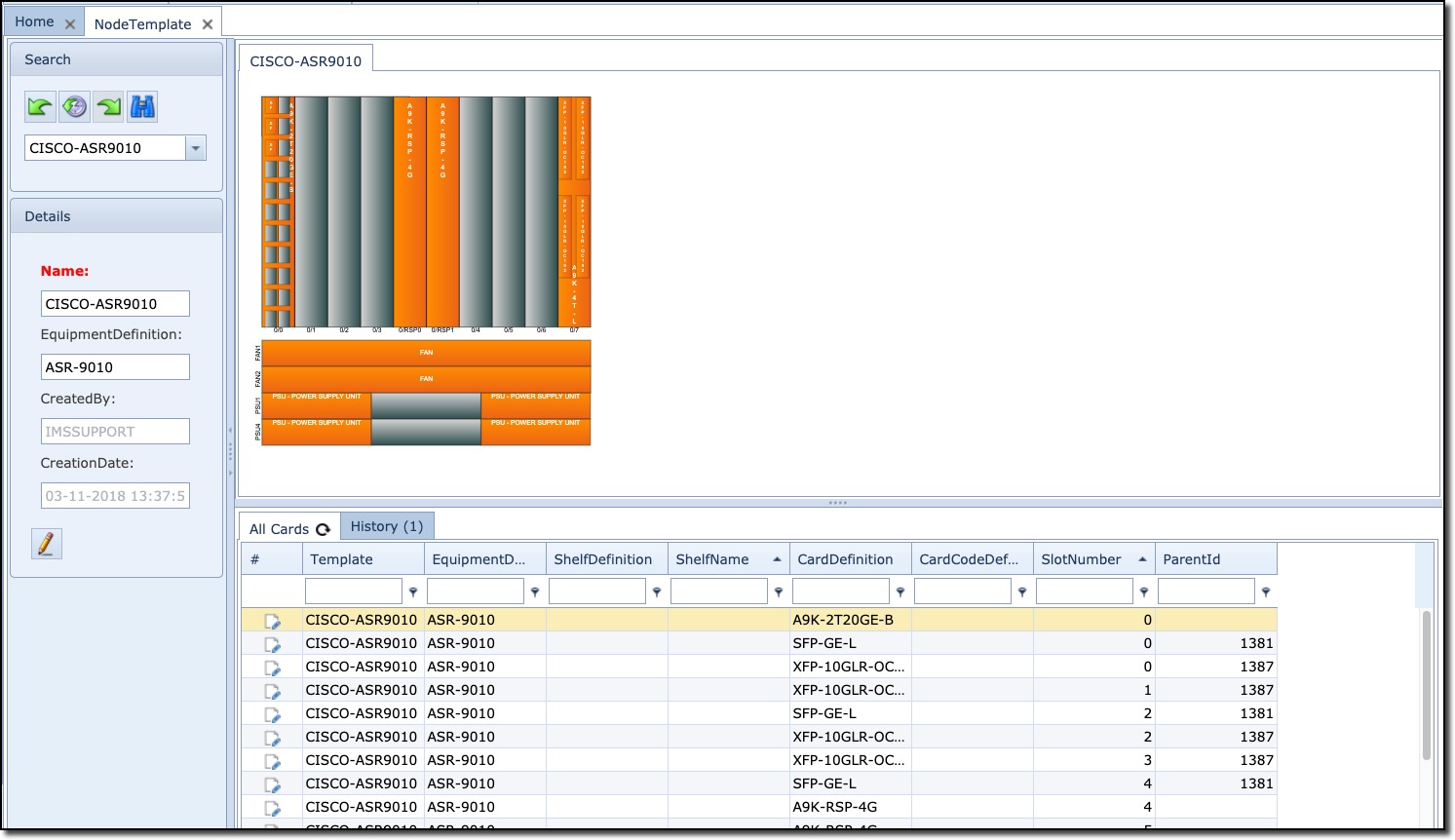
Once you select your Node template it will open up the NodeTemplate Form with a Details area, All Cards tab, containing the list of all cards present in the template, and a History tab showing all past actions on this Node Template