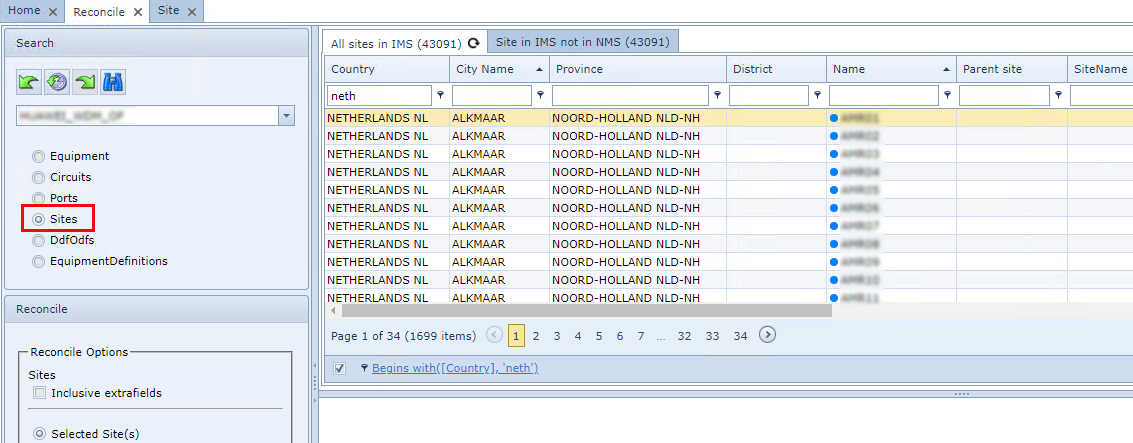
The following is a description of the Reconcile Options available for the Sites objects:
Reconcile Options – reconcile to the IMS database the following: |
|
Inclusive extrafields |
Reconcile the sites including the related extra fields - used with the Add and Update options |
Selected Site(s) |
Reconcile only the ones with their check box ticked and that are not in IMS |
All Sites |
Reconcile all the nodes in the Reconcile tables that are not in IMS |
Add |
Add any new sites discovered that are not yet in IMS |
Update |
Update any delta information in the reconcile tables |
Delete |
Delete the sites shown in the IMS reconcile data set, that have no match in the Sites Source System |
Dropdown field (Status) |
The status selected will be set to the required reconciled sites. If no status is selected, the default status will be PL (Planned). |
Example of a Site reconcile IMS window