This section contains extra general information:
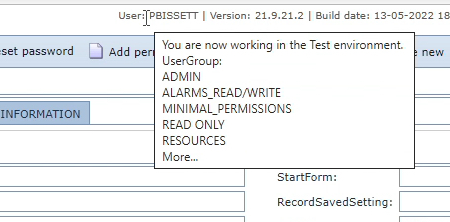
User name hover details
A logged in user's IMS environment and User Group details can be seen at a glance when the mouse is hovered over the account name.
Where the User belongs to more than 5 user groups, the 'More' text is shown.