Suppliers or manufacturers of equipment and OLO circuits must be registered before assigning the vendor
to equipment type or leased line/OLO.
Vendor related agreements can also be registered in IMS, like SLA’s, contacts.
Find a Vendor
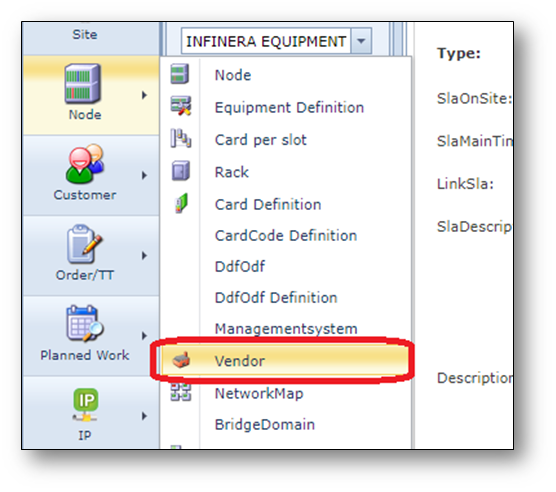
1.Open the Vendor form.
2.Type the vendor name in the search field, for example: cisco
3.Click the Search button or press enter.
The details for the Vendor will appear on the screen.
Create a Vendor
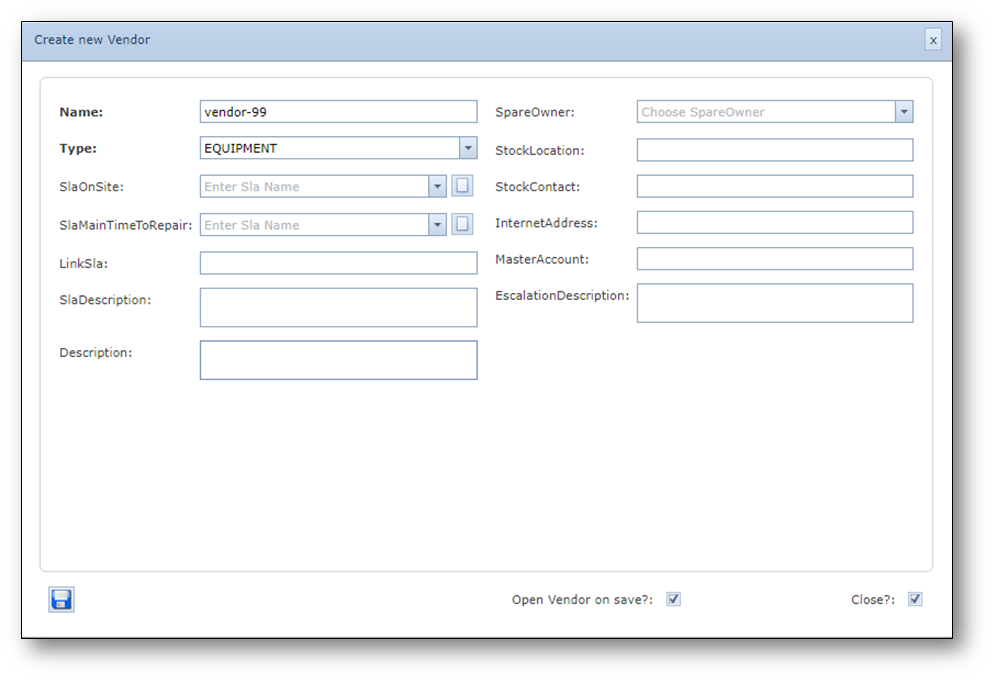
1.Click the “Create new Vendor” button on the Vendor Actions button bar.
2.Fill in the following details:
•Name = XXXXXX
•Type = Equipment or OLO or Circuit
3.Click the Save button to create the new Vendor.
Screenshot: Create new Vendor