Contracts (for example equipment vendor contracts, OLO vendor contracts, location lease contracts)
can be managed within IMS by registering them in relation to the specific vendors.
Open Contract form
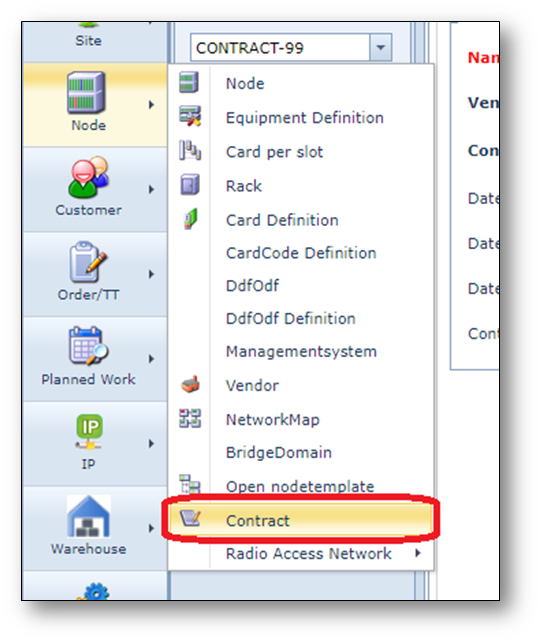
To open the Contract form, use the option Contract in the “Node menu” on the left of the screen.
Find contract
To find an existing contract:
1.Type the contract name/id in the search field.
2.Click the Search button or press enter.
The details of the contract will appear on the screen.
Create a Contract
1.Click the ”Create new Contract” button on the Contract Actions button bar.
2.Fill in the contract details:
•Name
•Vendor
•ContractType
•DateStart
•DateEnd
•DateRenewal
•SlaOnSite
•SlaMttr
3.Click the Save button to create the new contract