In the Card definition form the card types can be managed. These card definitions only need to be created once.
After creation, users can create and register a card using this type.
For each card definition settings and a layout must be defined, which determines how cards of this type
“behave” in the IMS application.
Difference between Card name and Card Code
In the CardDefiniton form both Card names and Card Codes can be found.
Ca rd na me :
This is the general (or family) name of the card. Normally this is not the part-number.
Ca rd code :
This is the exact part-number of the card.
The Card Code is related to the Card name. One Card name can have multiple Card Codes.
Open Card Definition form
To open the Card Definition form, use the menu Node > Card Definition.

Find a Card definition
To find an existing card type/definition, use the search field on the left of the screen.
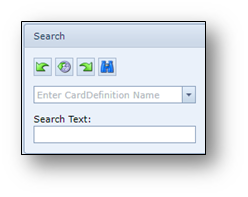
Type the name or id in the search field, for example ME-3600X-24FS-M - FIXED MODULE 0
Click the Search button or press enter.
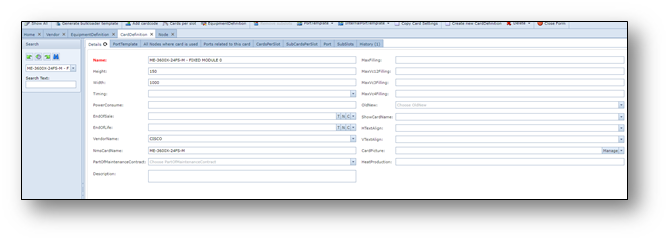
The details of the card definition will appear on the screen.
Example screenshot of a “ME-3600X-24FS-M - FIXED MODULE 0” Card definition
Create a Card definition
To create a new card definition:
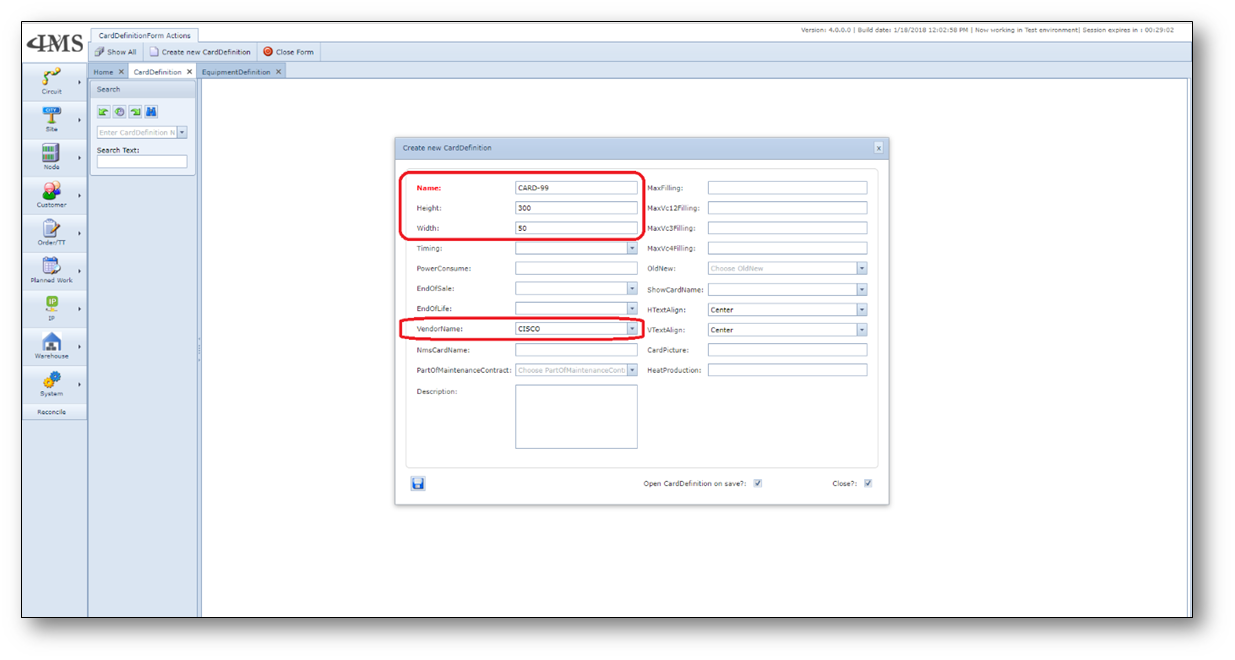
1.Click the “Create new CardDefinition” button on the CardDefinition actions menu bar
2.Fill in the following details:
•Name (name or ID of the card)
•Height (height of the card in mm)
•Width (width of the card in mm)
•VendorName (name of the Vendor [vendor must exist in IMS])
3.Click the Save button to create the new equipment definition.
Example screenshot of a new card definition creation: