Before a new card(code) can be inserted in an(y) equipment type, a card-per-slot rule must exist.
A card-per-slot rule is a rule that allows a card(code) to be inserted in a specific slot of an equipment (shelf).
Also, a card(code) may occupy multiple slots.
Open card per slot form
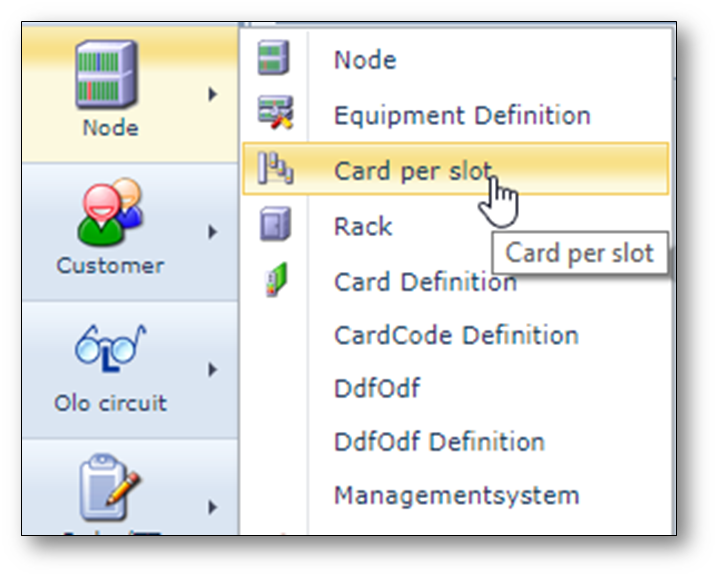
To open the Card per Slot form, use the “Node” menu on the left, open “Card per slot”.
Create new card per slot rule
To set up the card(code) per slot rules, do the following actions (also see screenshot)
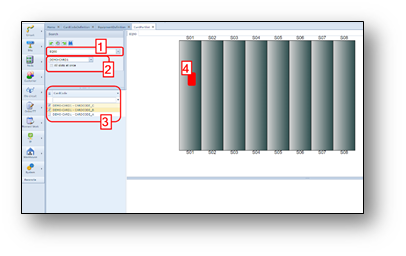
1.Search correct Equipment
| definition name |
2.Find the card name
| (not the card code) |
3.Select the card codes (if applicable)
| that must be related to the slot. |
4.Click on the slot (graphical layout) where card(code) can be inserted.
In case a card occupies 2 or more slots, first click left on the first slot and then
right click on the second(, third, etc) slot.