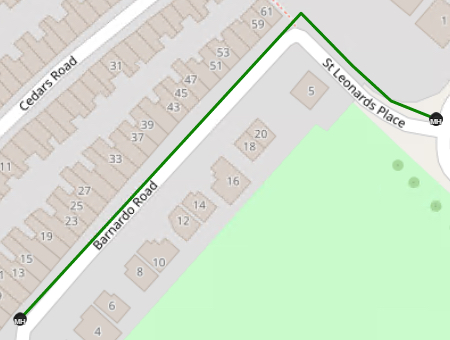
To begin with, IMS will create straight circuit lines on the map.
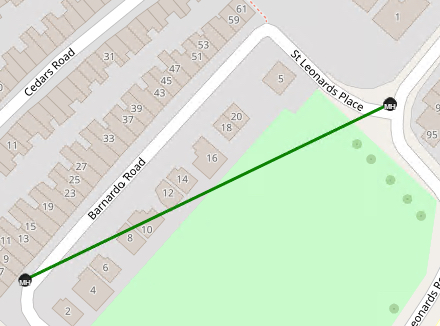
In order to make the line follow geographical contours, like going around corners or bends in the road follow these steps:
On the required Circuit line ...
▪Press the Control Key (Ctrl) and Left click on the Circuit line. A blue circle will appear
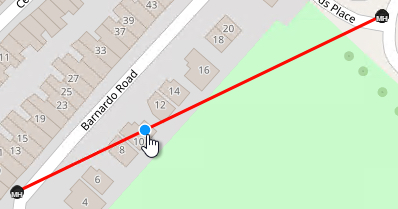
▪Release the Ctrl key
▪Left click on the blue circle and drag it into the required position on the map
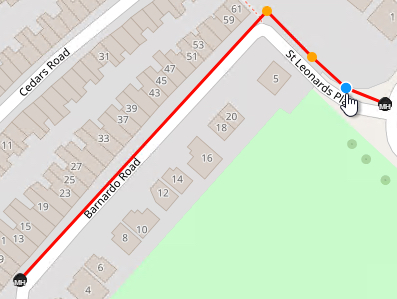
Place as many blue circles as necessary to make the Circuit line follow the required map contour
▪When finished, refresh the map.