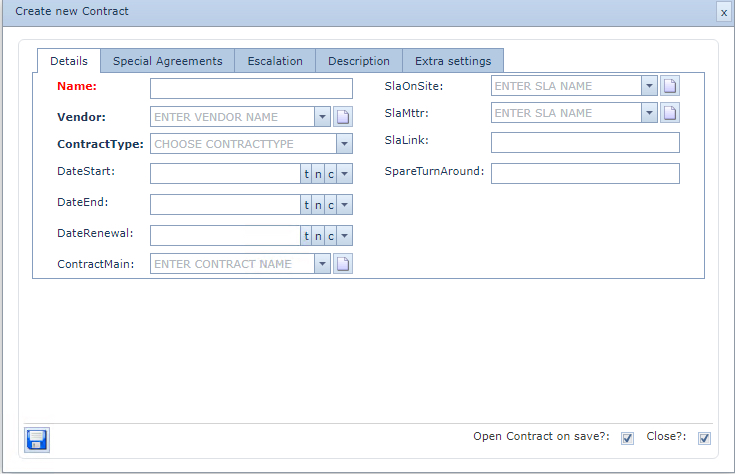
Contracts are managed within IMS typically related to Vendors i.e., Equipment, OLOs, and Location leases
Search for a Contract
From the IMS Main Menu:
▪Click on the Node option followed by the Contract option in the dropdown list
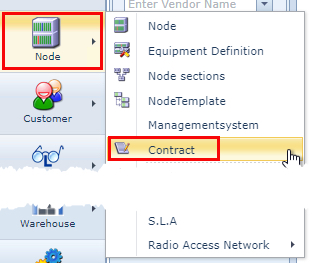
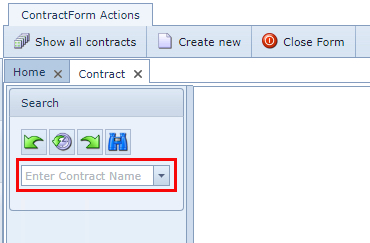
This opens up the Contract Form from which:
▪In the search area type in the name of the Contract in the search field
▪Or click on the down arrow in the search field and select a Contract from the dropdown list provided
Create a Contract
From the Contract Form Actions button bar:
▪Select the Create new option
This opens up the Create new Contract popup window.
Fill in the required fields in particular the mandatory ones.
▪Click on the Save icon in the lower left corner of the popup window.