A circuit may have been created in advance, but yet to have its ports added to it. The following steps show how to add ports to an existing Circuit.
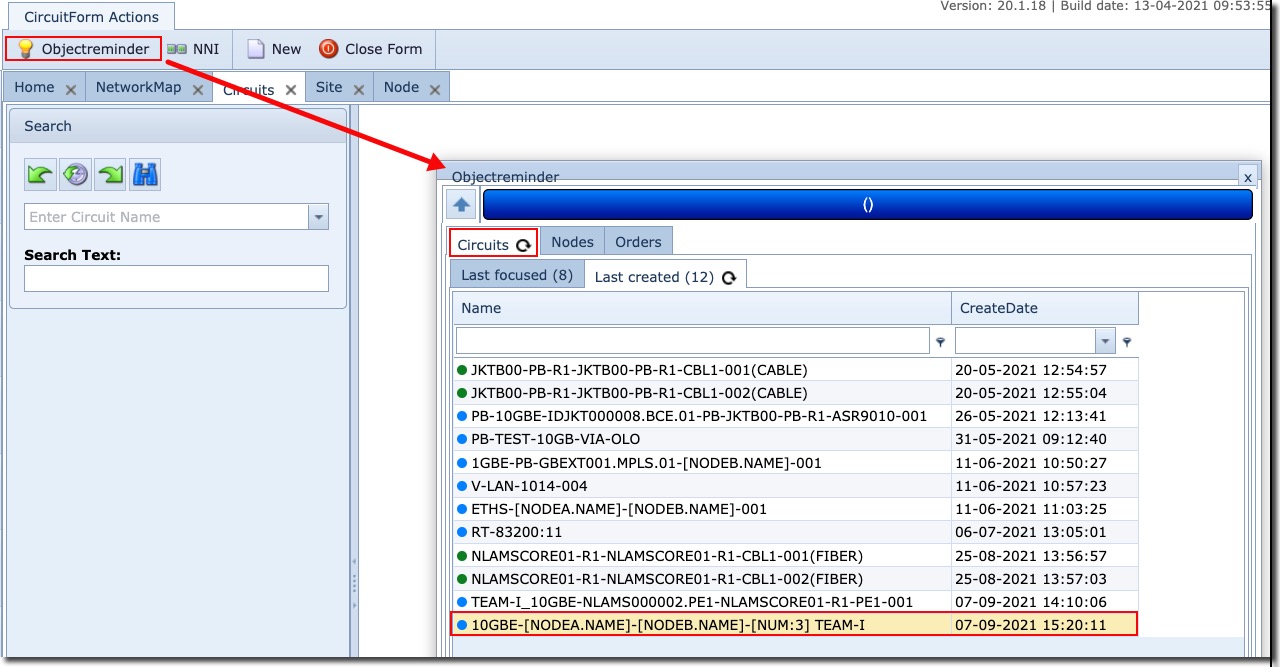
You might find it quicker by using the Object Reminder feature from the CircuitForm Actions button bar to locate a Circuit – the Light bulb icon |
|
▪ |
From the Circuits tab, Right Click on the required Circuit where you can place it In Focus if it is not already |
▪ |
Now search for the required Node – either from the Object Reminder Node Tab or from the search area in the Node form – ensure it also is In Focus. |
▪ |
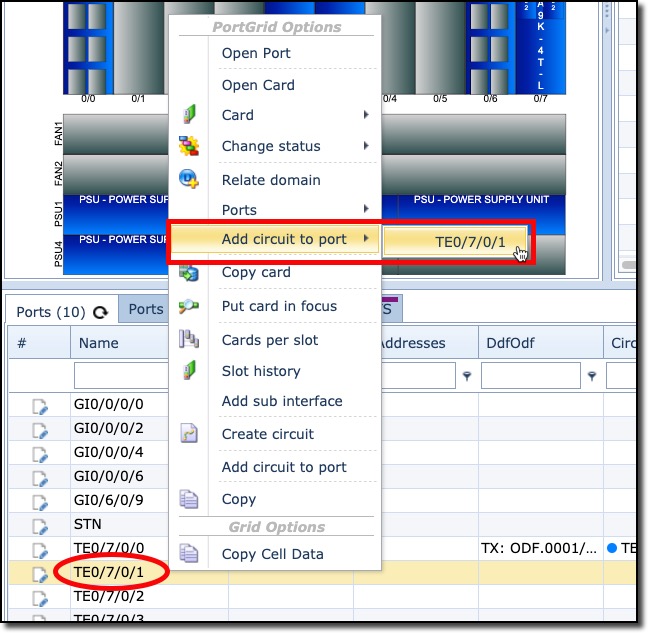
Once the required Node form is open, locate the required Port from the Ports tab list and Right Click on it |
▪ |
This produces a list of options, select the Add circuit to port item, and then click the Port name that it offers |
The result can now be seen as follows in the Port list:
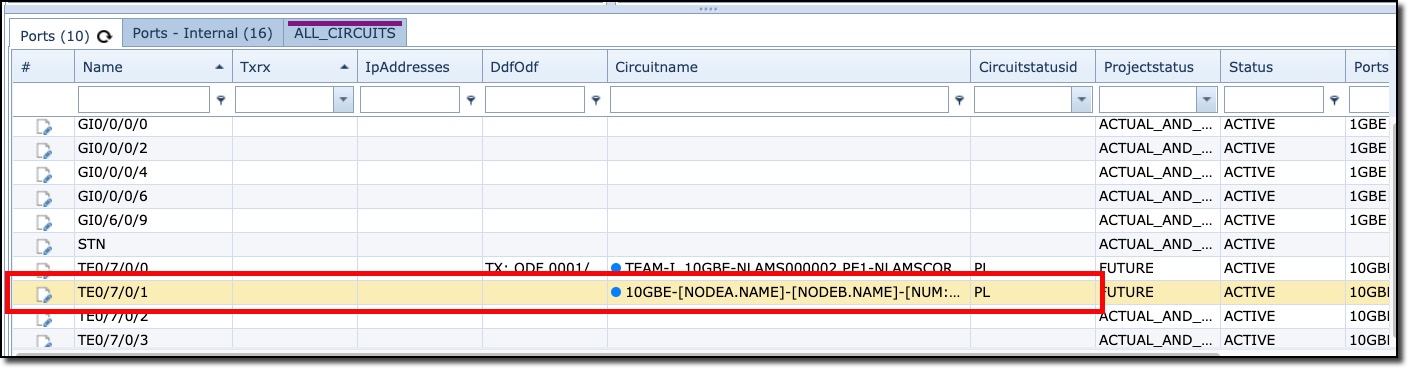
The same process can be done for the Z side Node and port.