It is possible to also move the Site icon on the GeoMap to another building location, but if you do, remember to update the Site’s address details to match the new location. This will automatically update the latitude and longitude fields with new data.
•Click on the Site icon on the GeoMao – an orange circle appears showing that it is now selected
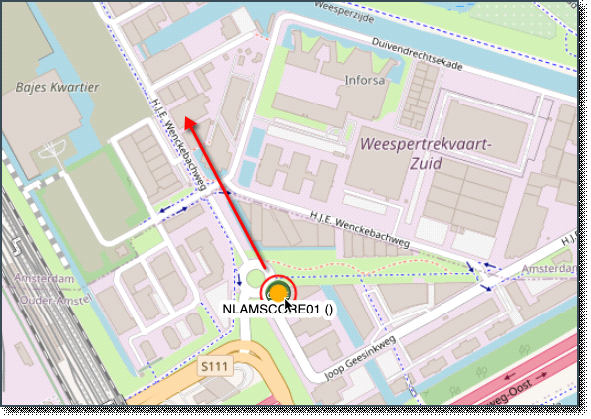
•Drag the location icon from its current location to your chosen building location