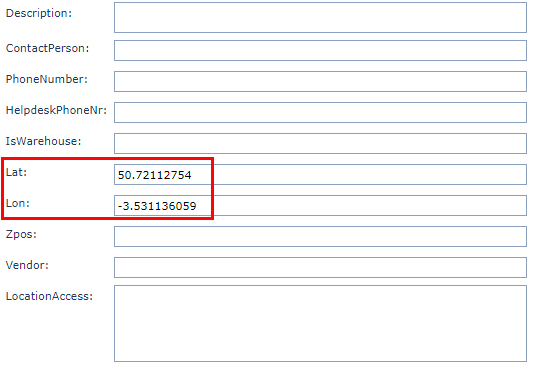
▪Find the newly created site - if it is not already opened
From the Site's Form Action Button Bar:
▪Click on the Update lat/lon (get from google via address) button
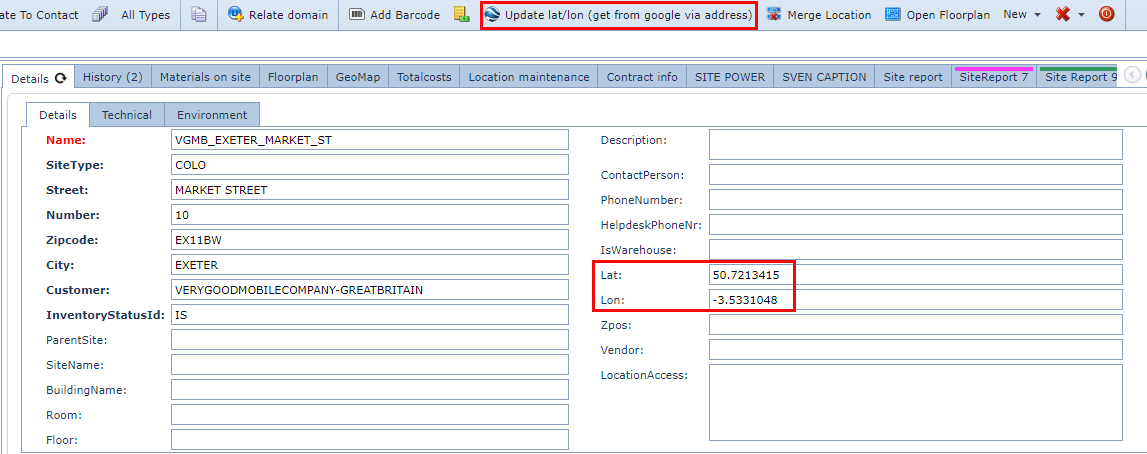
Note that the Latitude and Longitude fields now have coordinates in them.
Update Coordinates using GeoMap
▪Go to the GeoMap tab to view the Site’s location on the map

▪First, left click on the Site's icon
▪Then drag the Site's icon from the original location to the required location
▪Click on the Site's Details Tab
▪Refresh the Site's Form by Left Clicking on the Binoculars icon
The new location coordinates are updated.