Network map – load by extend function implemented
Network data can now be loaded into a special network map. This map uses the zoom level on which the user is viewing the data, to add or remove objects on the map. Which object are visible on which zoom level can be controlled by the map settings (a button on top of the network map form)
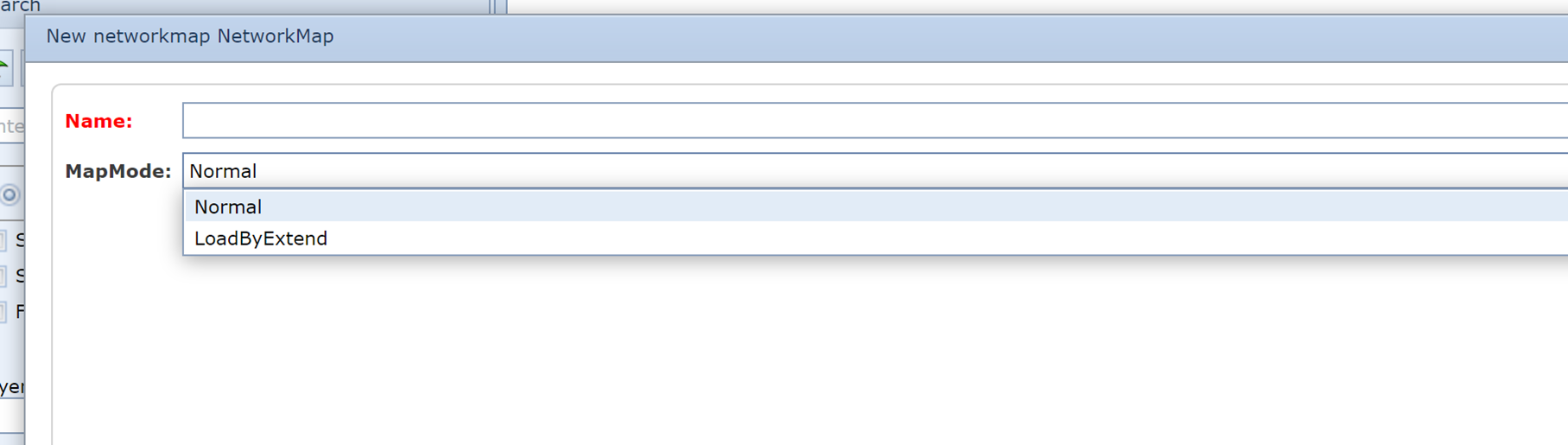

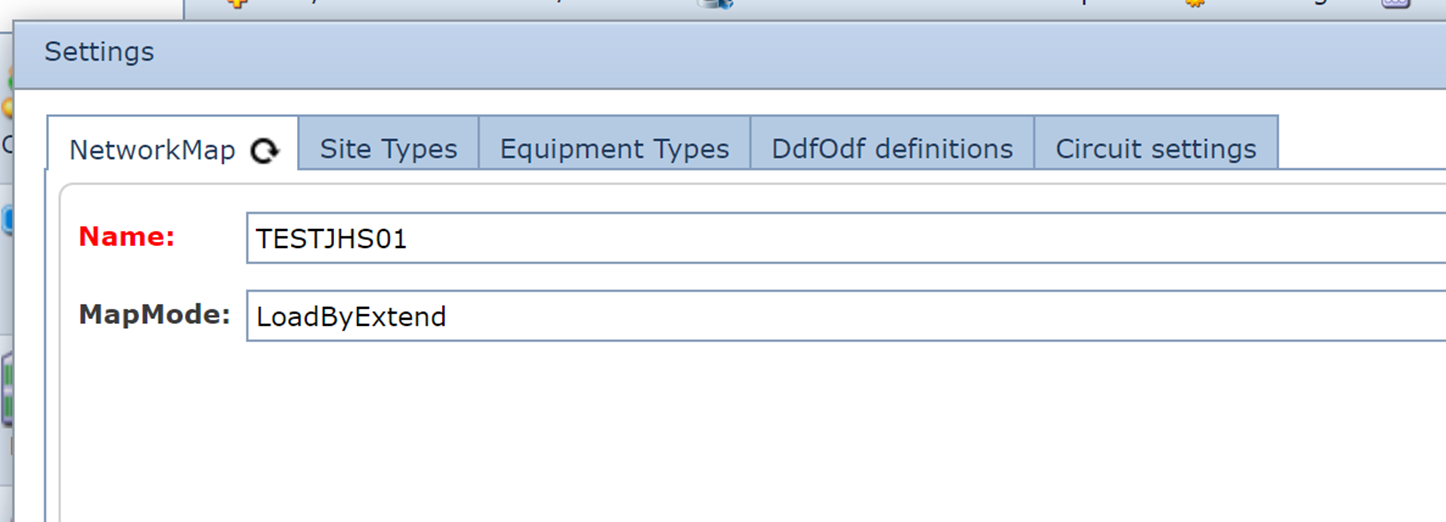
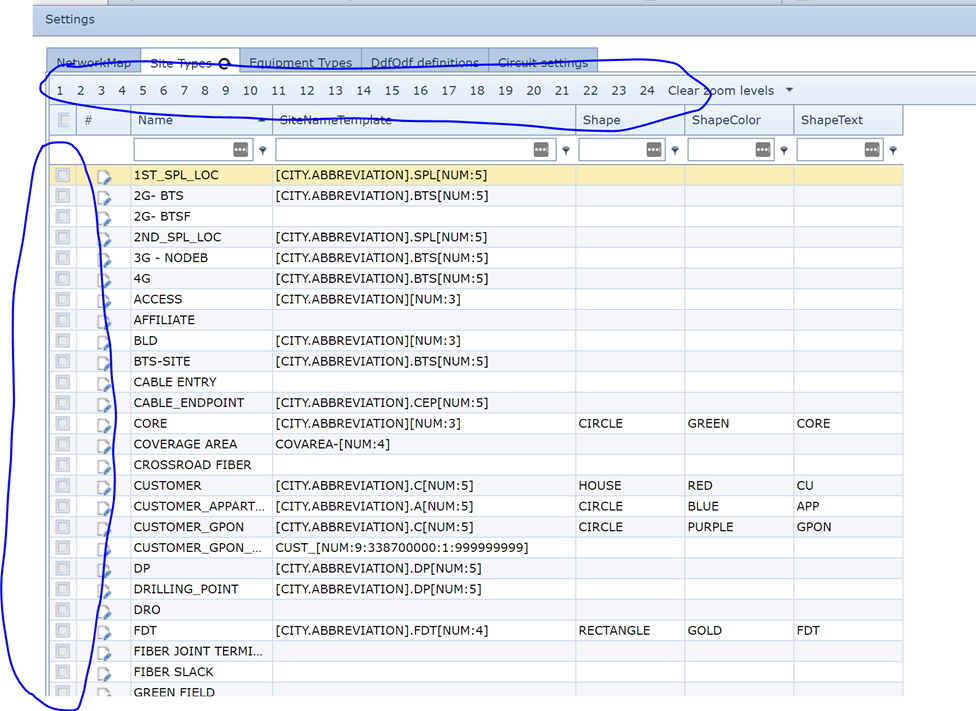
In the various settings tabs the object types can be related to the zoom levels on which you want to see these types; f.i for site types: (select the site type by clicking the check boxe(s) on the left and the zoom level(s) at the top)
The zoom level you are viewing is displayed on the map menu:
