Order Type
The Order Type defines the overall job that needs carrying out i.e., New VLAN Connection.
Order tasks are then created and added to the Order Type, including their order of carrying out,
which departments (Queues) they are assigned to, and task dependencies i.e., task 4 cannot be taken
out until task 2 and 3 have been completed, task 6 can be started at anytime, etc.
A task can also be given a setting value that will determine its treatment in the overall work-flow for this
Order Type i.e., straight forward sequence task, or whether it forms a decision point in the flow (Yes /No),
or if it is a task that causes the flow to return to some earlier point in the work-flow i.e., like a retry.
Accessing Order Type
From the IMS Main Menu Bar:
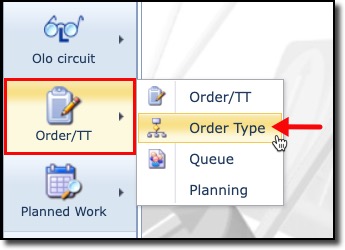
▪ |
Click on Order/TT |
▪ |
From the dropdown list produced, click on Order Type |
This open up the Order Type form pane
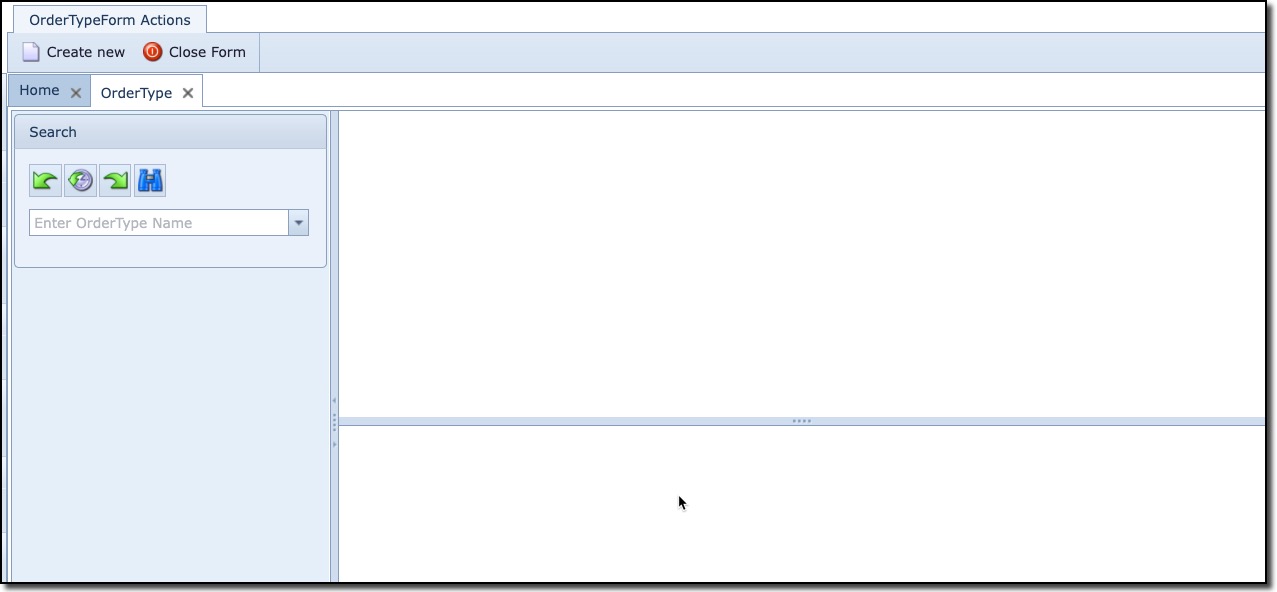
Searching for an Order Type
From the OrderType tab form you can search for existing OrderTypes.
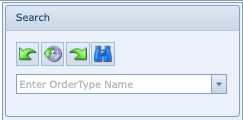
✍ |
In the Search area, click on the search field dropdown icon |
✍ |
From the dropdown list provided, select and click on the required Order Type instance |
This will open up a completed Order Type form pane