Having chosen your required Site Template then from the SiteTemplateForm Actions button bar:
▪ |
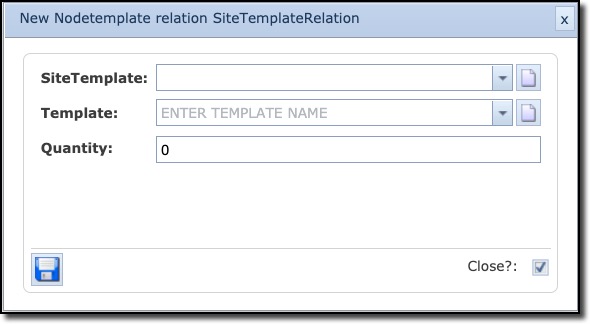
Select the New Nodetemplate relation button to open the New Nodetemplate relation popup window |
▪ |
The SiteTemplate field will be auto populated with the one chosen |
▪ |
From the Template dropdown field select the appropriate Node Template that will be related to this Site Template. |
If a new Node Template is needed, then see the instructions further on, on creating a new node template
▪ |
In the Quantity field type in the number of Nodes that will eventually be in the Site created from the Site Template |