Material On Site (Tab)
You can add or remove any material items in the Material On Site tab, directly to a floor-plan, by right clicking on the required line item in the grid and selecting Add to floorplan or Remove Stock Item From Floorplan.
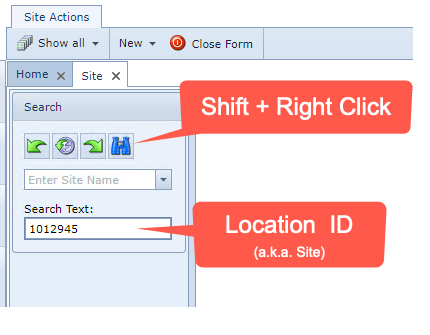
Site / Location Search by ID
This tip applies for the following IMS objects: Node, Circuits, and Sites. If you know the ID (number) of a particular location instance, then you can type that ID into the search field, then press the Shift + Right Click on the Binocular icon. If the ID number is located in the database, then the object's details will be displayed in the usual Object Form area.