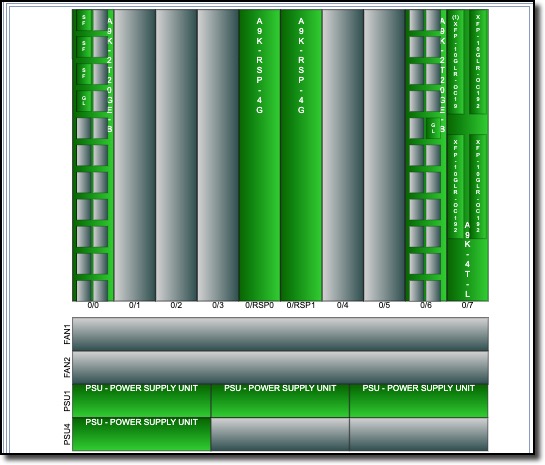
From the opened node’s Equipment Actions tab:
▪ |
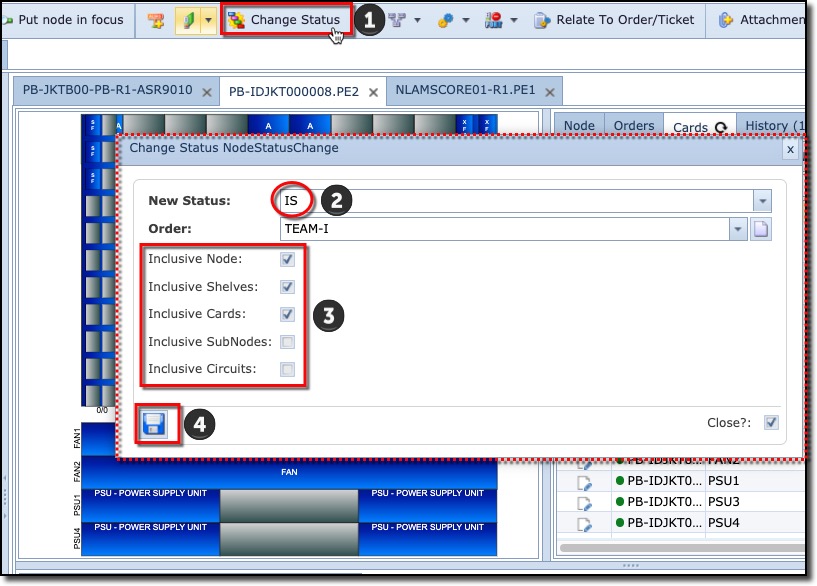
Select the Change Status button, this opens up the ChangeStatus NodeStatusChange popup window |
|
▪ |
From the New Status pull down field, select the required status, in this example it is IS |
|
▪ |
Select the related included object’s cascading status by enabling their tick box: |
|
▪ |
Node |
|
Shelves |
|
|
Cards |
|
|
SubNodes |
|
|
Circuits |
|
|
▪ |
Click the Save icon to go ahead and change the Node status |
|
The result should look similar the next screenshot