In this exercise, the empty fields named ExtraInfo will be updated to contain fresh data.
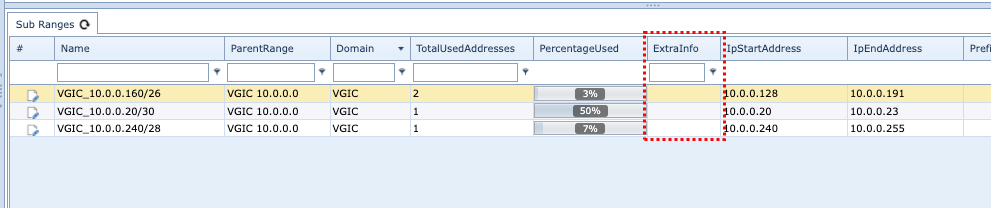
Locate an existing Sub Range tab of information from a Parent Range.
▪ |
Right click on the column header of the IP data grid to reveal a dropdown list of further options |
▪ |
Click on the Generate Bulkloader template option |
▪ |
Click on the UPDATE option – as data will be added to existing records |
From the resulting Bulk Loader try and load the following into the three existing IP Range entries in their respective ExtraInfo fields:
Info A
Info B
Info C
The result should look similar to the next screenshot:
