** WORK IN PROGRESS ** This section is yet to be updated to the newer version of IMS Feature location, commands, instructions, and screen shots may not appear the same if you are using a newer version of IMS |
This chapter describer how to use the VC4-IMS REST API.
With the REST API IMS objects can be viewed, added, updated and deleted.
The REST API (when installed) can be found using the provided URL.
The following page will open:
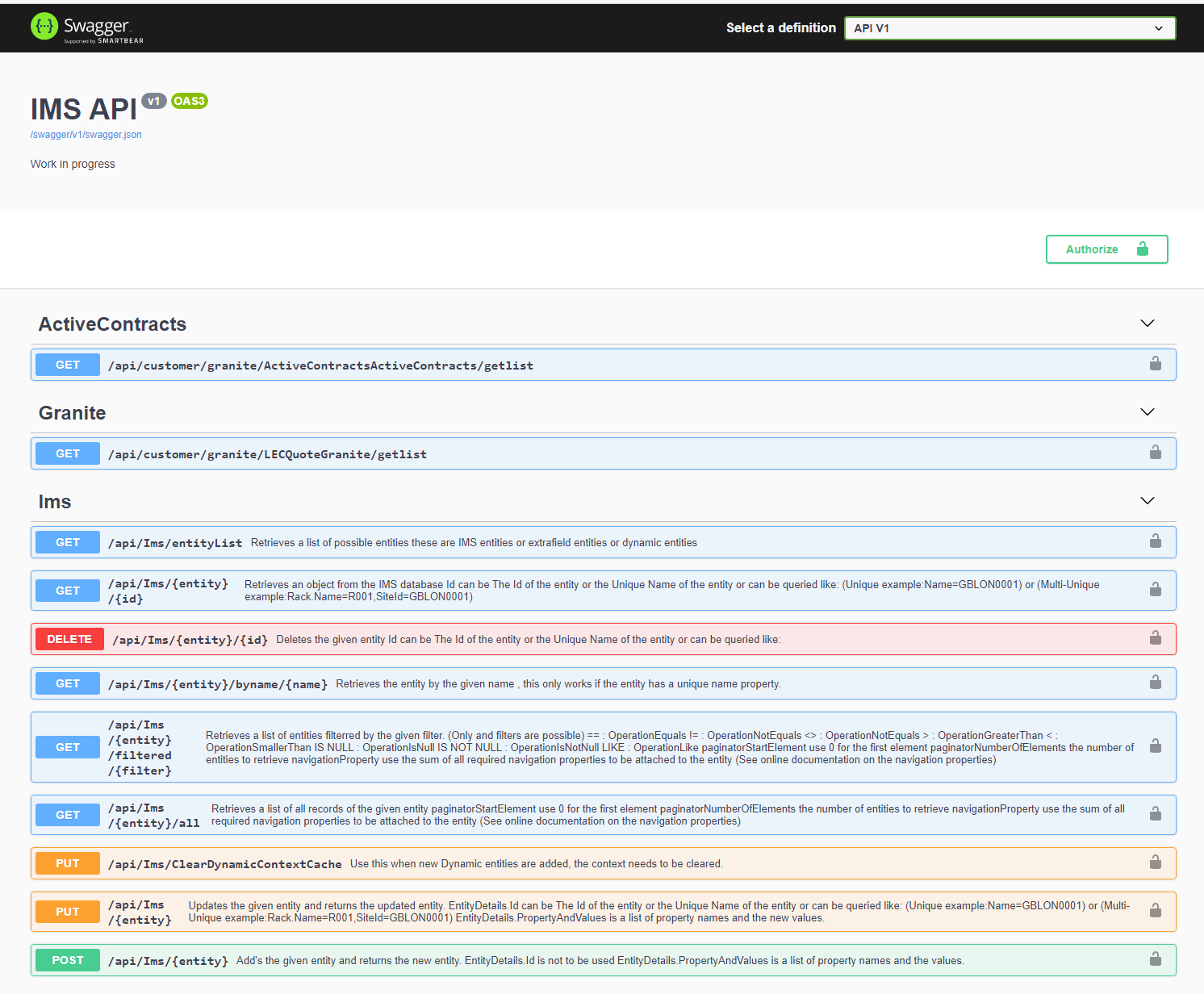
On this page the available API's are listed.
The first thing to do is to login using an existing IMS account via the AUTHORIZE button.
Fill in the basic section the Username and Password:
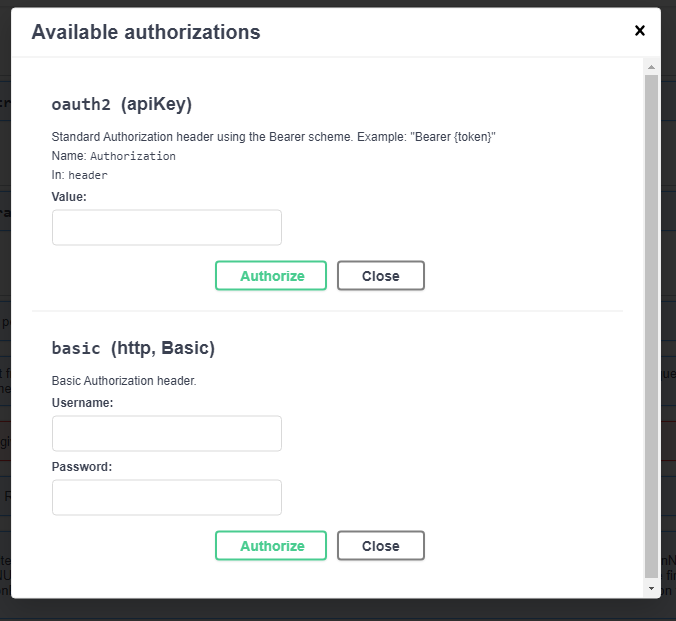
After filling in the username and password, click the 'AUTHORIZE' button. The API will confirm basic authorization and the CLOSE button must be clicked.
Then click on the LOGIN bar to POST the login and retrieve the bearer token.
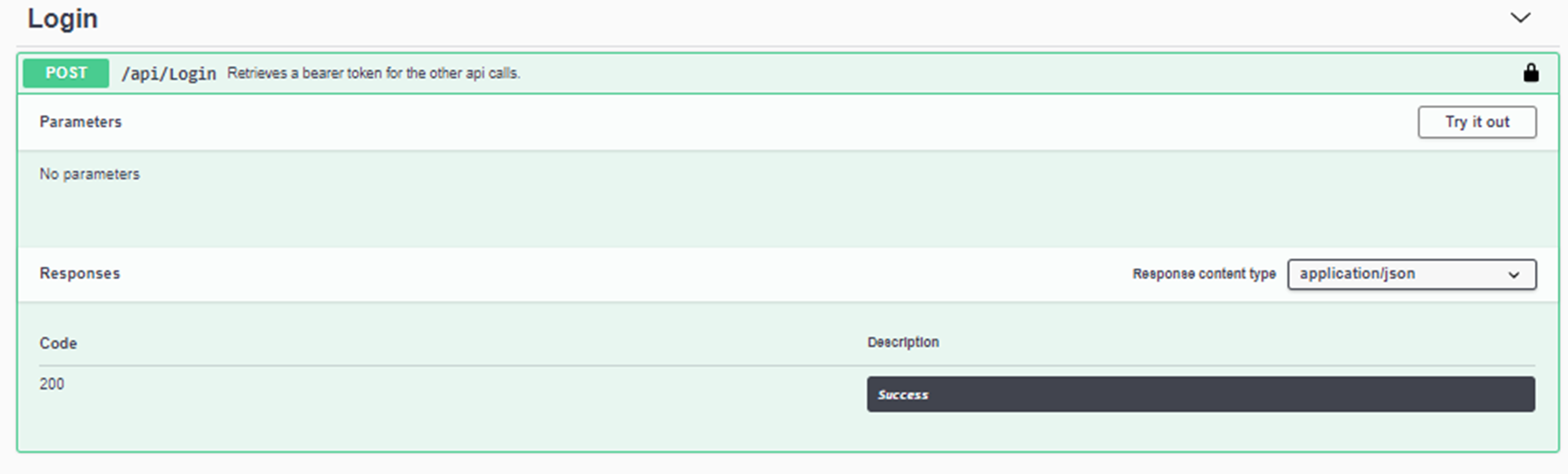
Click the 'TRY IT OUT' button.
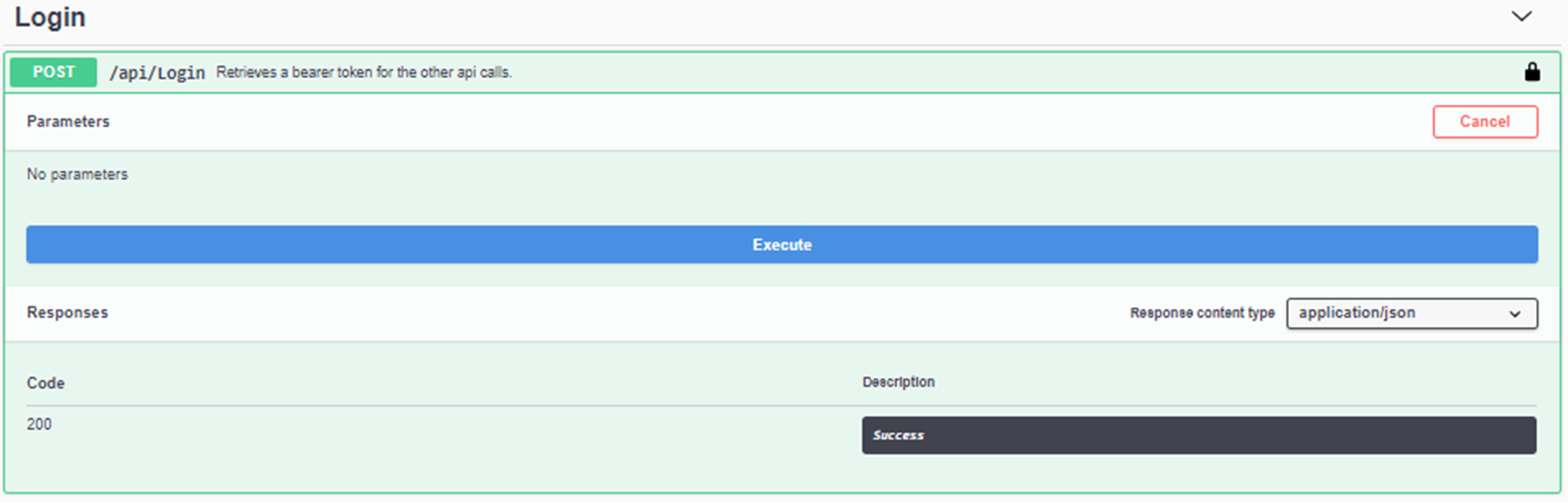
Click the 'EXECUTE' bar
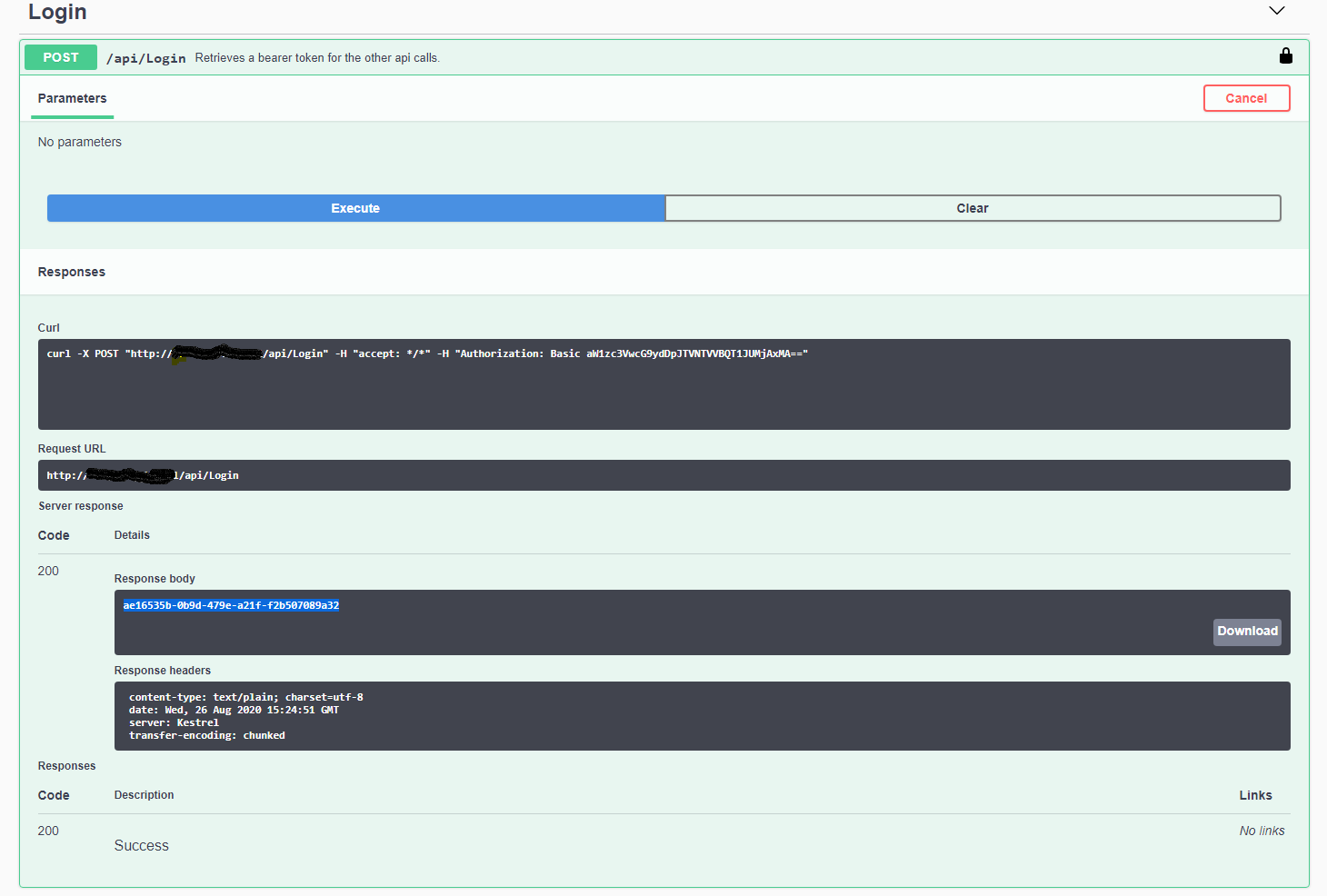
The screen will show the API call in the 'curl' field and the bearer token in the response body.
The bearer token will be used to authenticate all further calls (marked in blue).
The bearer token can be entered in the 'AUTHORIZE' screen on the top right corner of the page, where it says oauth2 (apiKey).
First fill in the word 'Bearer' and then the token you copied from the Response body and click Authorize:
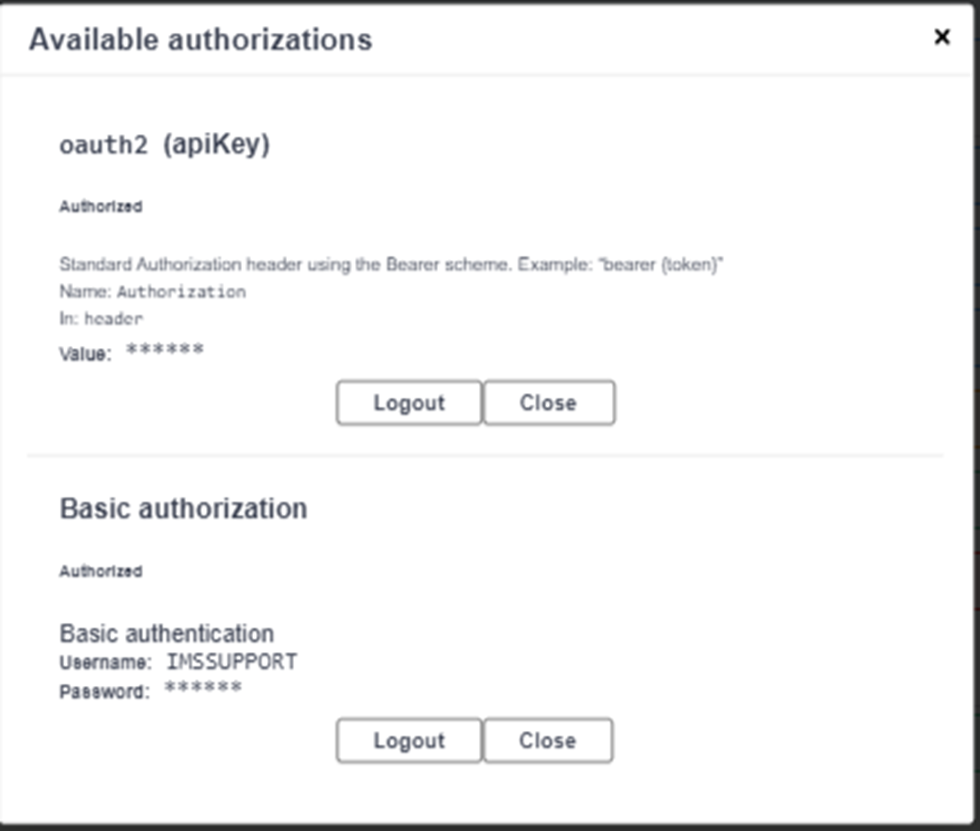
Now the authorizing is completed and the API can be used.
Close the Authorize screen by clicking the Close button.
Below the shortcuts to the GET, PUT, POST and DELETE commands:
See also section Postman examples IMS REST API
The PUT, POST and DELETE commands work similar as the bulk loaders in IMS; in the chapters PUT, POST and DELETE.
Examples of the JSON code and the bulk loaders with the same functionality can be found there.