This next section describes how to associate the 2 Sub Nodes to its parent node.
In the following diagram we show a node instance called CS2R2, based on an Equipment Definition modelled on a Cisco ASR920.
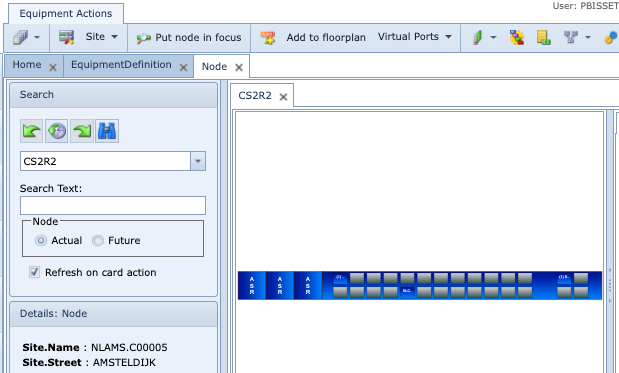
1.From the parent node (CS2R2 in this example) click on the Add Sub Node feature in the Equipment Actions button bar
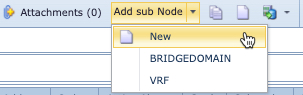
2.Select BRIDGEDOMAIN from the drop-down list
3.Fill in the required fields of information, paying attention to the mandatory ones and modify the Name field as required.
Repeat the above step to relate the VRF Sub Node to its parent node (CS2R2).