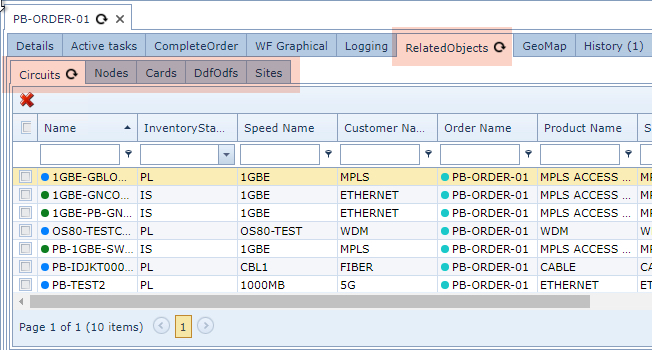
An Order can be associated with other IMS objects.
From the Order form's button bar:
▪select the Related Objects option followed by the Add Related Objects in the drop down list
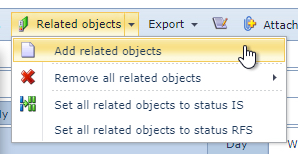
This will open up Add Order Relate popup window
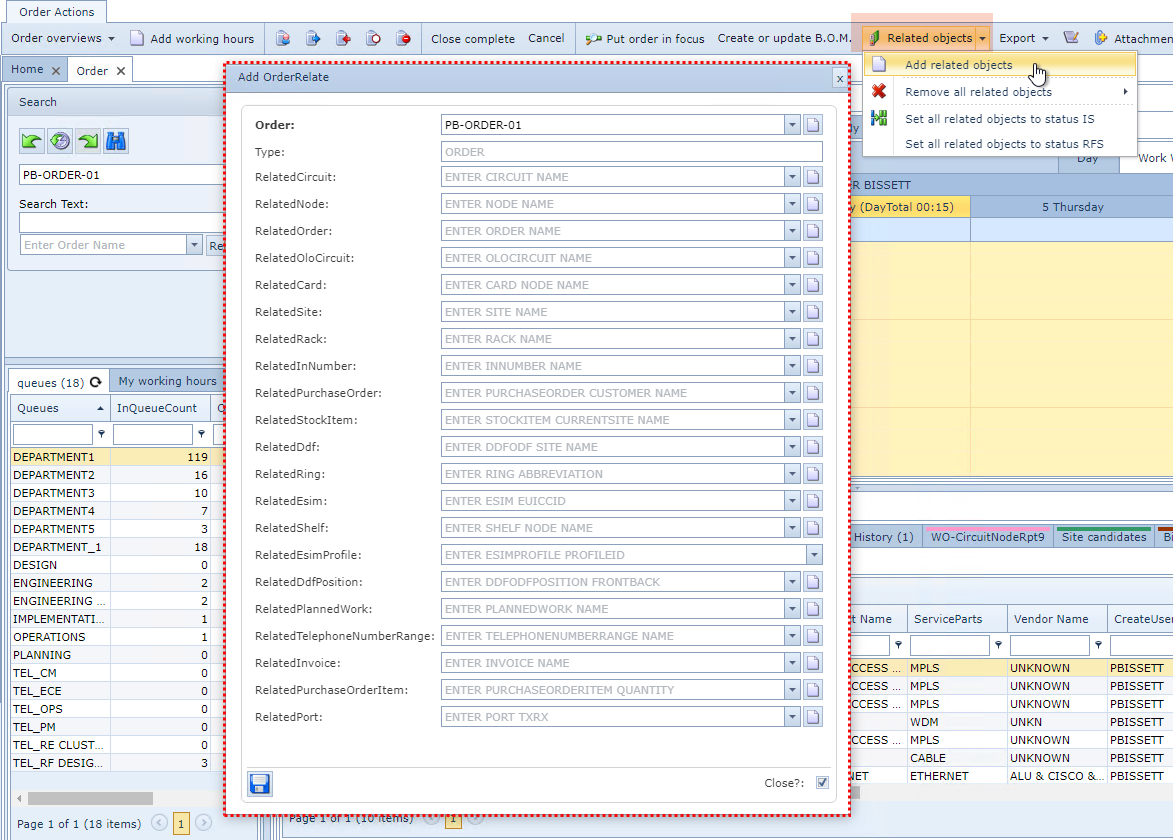
▪Select one or more of the many IMS objects made available
▪Click on the Save icon in the lower left corner of the popup window when finished
All related IMS objects will be contained in the Related Objects tab grouped in their own object sub tab in the Order/TT and Tasks details area, as seen in the next screenshot.